

Invite Thousands of Customers With One Click
Send bulk invitations using Shopify segments or manual selection, with auto-invite prompts, direct activation links, real-time tracking, and Login as Customer for Shopify Plus. No code. No complexity.
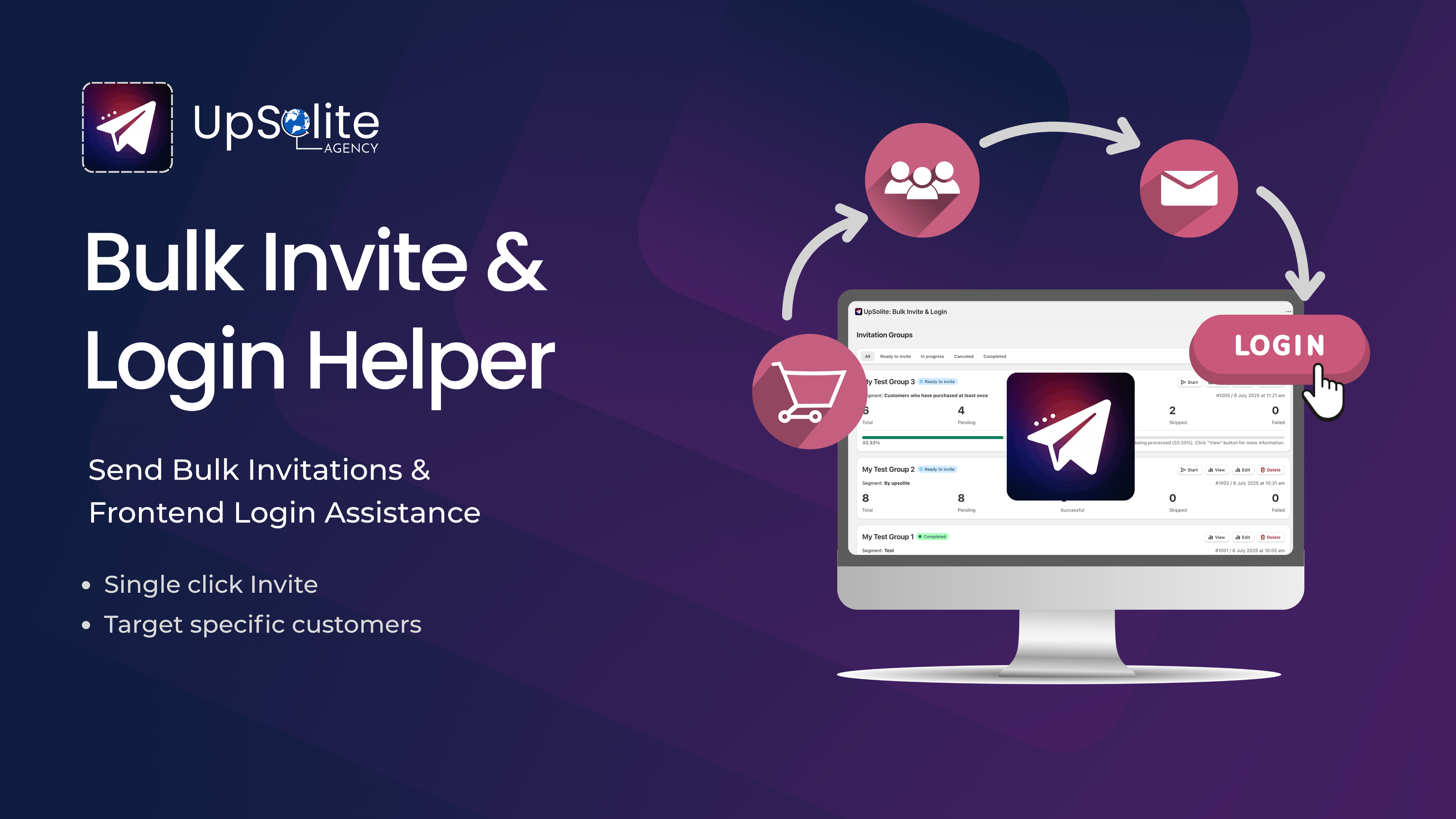
Three simple steps to get started
Sync, group, and send. Your customers will have account access in minutes.

Sync Your Customers
Sync your store's customers to enable login functionality and send invitations at scale, with a single click.

Create an Invitation Group
Use a Shopify segment or select customers manually to group them for sending bulk invitations.

Start Sending Invites
Send invites from the group, track progress, view failed invites, and easily resend them when needed.
Effortless customer login, at scale
UpSolite reactivates migrated accounts with one-click invites, smart login flows, and real-time access tools. No code required.


Essential features to handle login, invites, and activation
Everything you need to reactivate migrated customers and manage account access, all in one app, no complex setup.


See how UpSolite simplifies customer login, without the complexity
 UpSolite
Transparent, usage-based pricing
No hidden fees. Pay only for the invites you send. A complete solution for customer access and reactivation.
5,000 free invites included (one-time). Perfect for stores just getting started.
- Send bulk invites with one click
- Auto Invites via Shopify Flow
- Create customer activation links
Free 5,000 invites included, then $0.001 per additional invite, capped at $50/month. No surprises.
- Everything in Free Plan
- Auto Invite on Storefront Login
- Login as Customer (Shopify Plus)
Trusted by Shopify stores across every industry
We’ve been using Upsolite Bulk Invite & Login for a while now, and it has completely streamlined how we manage customer accounts and address customer tickets. The app is super intuitive, easy to navigate, and integrates seamlessly with Shopify. The support team is responsive and helpful whenever we have questions.
Great app, very helpful and fast support. The Frontend Login Helper is a great help after migrating accounts from other Magento to Shopify. Multilanguage compatible (Translate & Adapt)
Very helpful for customer invitations and login. For us, the auto-invite feature is the most useful one, as it sends invites to new customers automatically. The segment-wise customer invitation feature is also helpful for keeping everything organized. We are happy with the app.
Everything you need to know before you install
Still have questions? Our team is happy to walk you through the app before you commit to anything.
Talk to us →Start activating your customers in under 5 minutes.
Install UpSolite Bulk Invite & Login from the Shopify App Store. Free plan included, no code required, and your first 5,000 invites are on us. Up and running in minutes.